
Features
Everything you need to keep your appointments running smoothly.
From online booking and planning to payments, email and offers for your customers. It all lives in one place, even with several locations and a big team.
Online booking
Customers only see times that are really free.
Your customers pick a location, treatment, length, team member and time. You decide how far ahead they can book and how much notice you need.
Real availability
Opening hours, schedules and existing appointments decide which times customers see.
Booking window
Set how many days ahead customers can book.
Minimum notice
Choose the shortest time between now and an appointment, separately for your location and home visits.
Confirm yourself or automatically
Confirm bookings straight away, or review them first before the customer hears back.
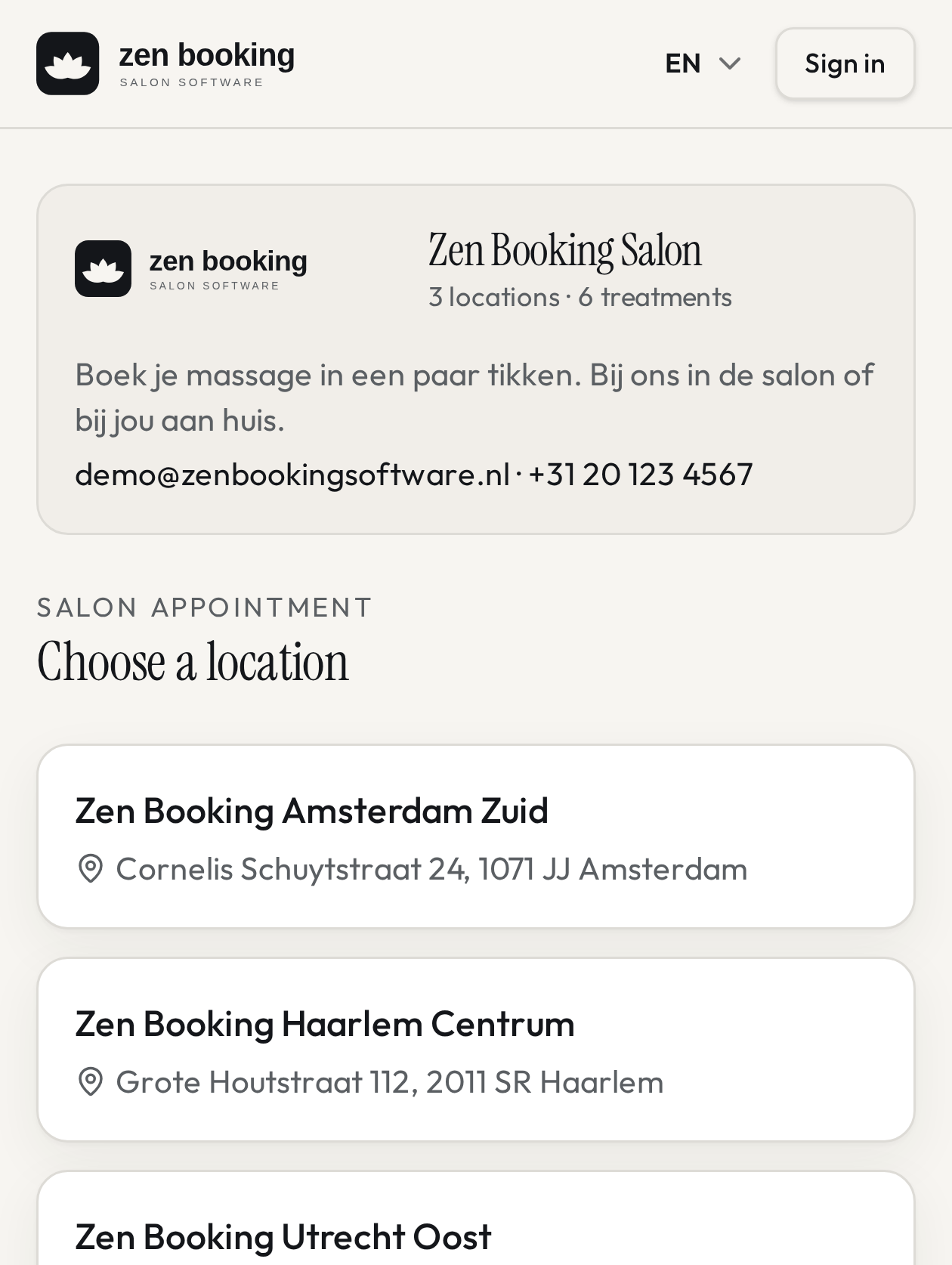
Calendar & team
All your locations and team members in one plan.
See per day and per location who is working and what's booked. Schedules, days off and closures keep availability right on their own.
Multiple locations
Each location has its own opening hours, calendar colour and treatments.
Schedules and shifts
Plan shifts per team member, per location. Only hours when someone really works can be booked.
Days off and closures
Record holidays, days off, closing days and different hours.
View per team member
See the calendar for the whole business or for one person.
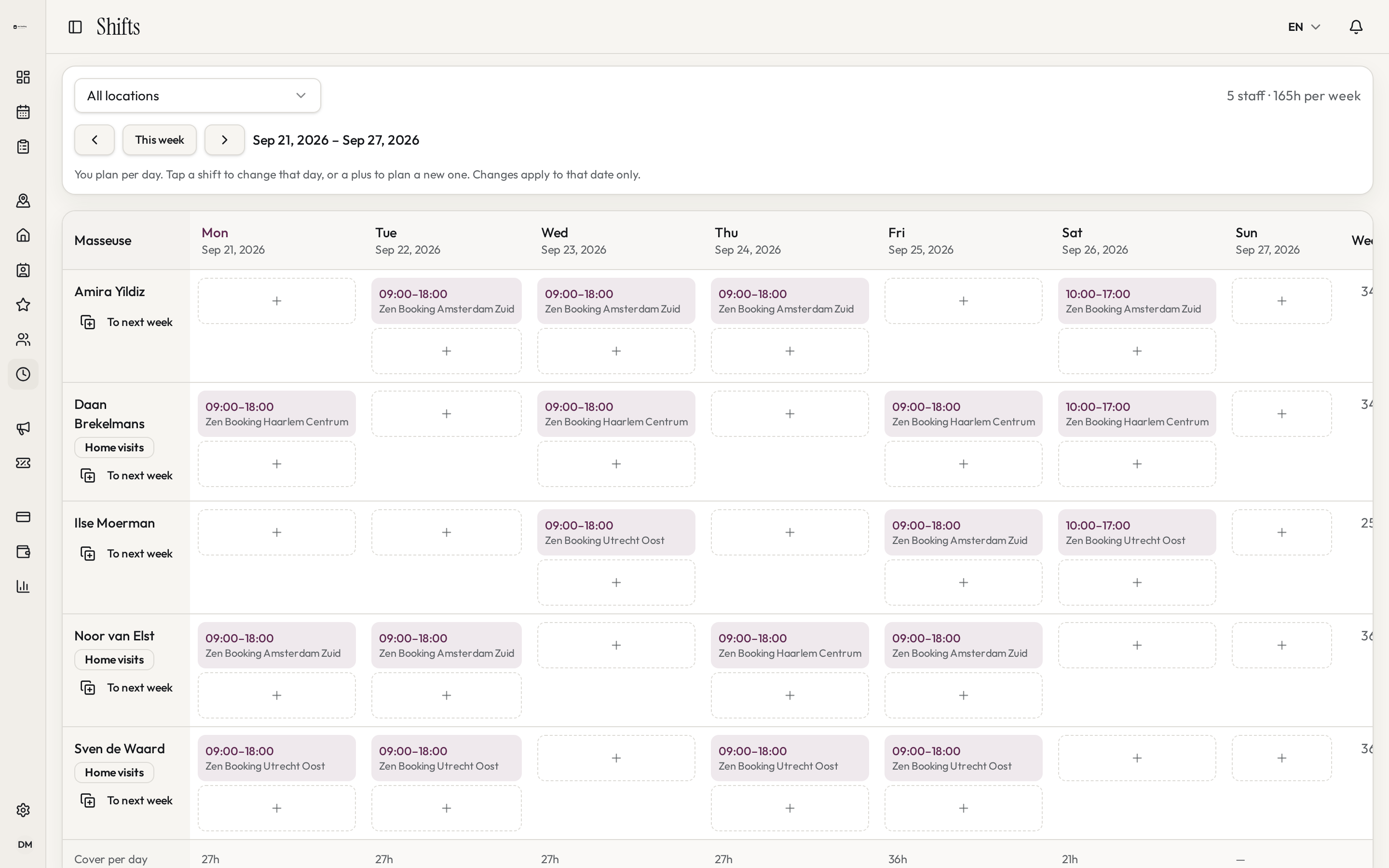
Treatments & prices
More than a name and a price.
One treatment can come in several lengths, each with its own price. You also decide where it can be booked and who offers it.
Several lengths per treatment
For example 30, 60 and 90 minutes, each with its own price.
Time after an appointment
Add extra time per length to tidy up or get ready.
At your place or theirs
Choose per treatment whether customers book it at your location or at home.
Linked to team members
Set which team members offer which treatments, at which location.
Self-service
Customers handle small changes themselves.
Within the rules you set. That saves you calls and emails, and your calendar stays right.
View the booking
Customers see their appointments and details on one page.
Reschedule
Customers pick another free time themselves, if you allow it.
Cancel
Turn customer cancelling on or off, and choose how many hours ahead it's allowed.
Reminders
Customers get a reminder before their appointment automatically.
Payments
Pay online or on location. You choose.
Customers pay when they book through Mollie, or on the spot. The payment always belongs to the appointment, so you see right away what's still open.
Online with Mollie
Connect your own Mollie account. Unpaid bookings expire after a time you choose.
Pay on location
Let customers pay on the spot at your location.
Surcharge or discount online
Set a fixed surcharge or discount for paying online.
Commission and payouts
Set a commission or fixed amount per appointment for each team member and see what you owe.
Your own brand
Your booking flow feels like part of your website.
Customers see your logo, your colours and your words. On your booking page, in the widget on your site and on your own address.
Logo and app icon
A wide logo for your page and a square icon for the browser tab.
Main and accent colour
Buttons, links and highlights use your colours.
Booking widget
Put the booking form on your own website with a short embed code.
Your own booking address
Use your own domain for your booking page. After booking, you can send customers to your own thank-you page.
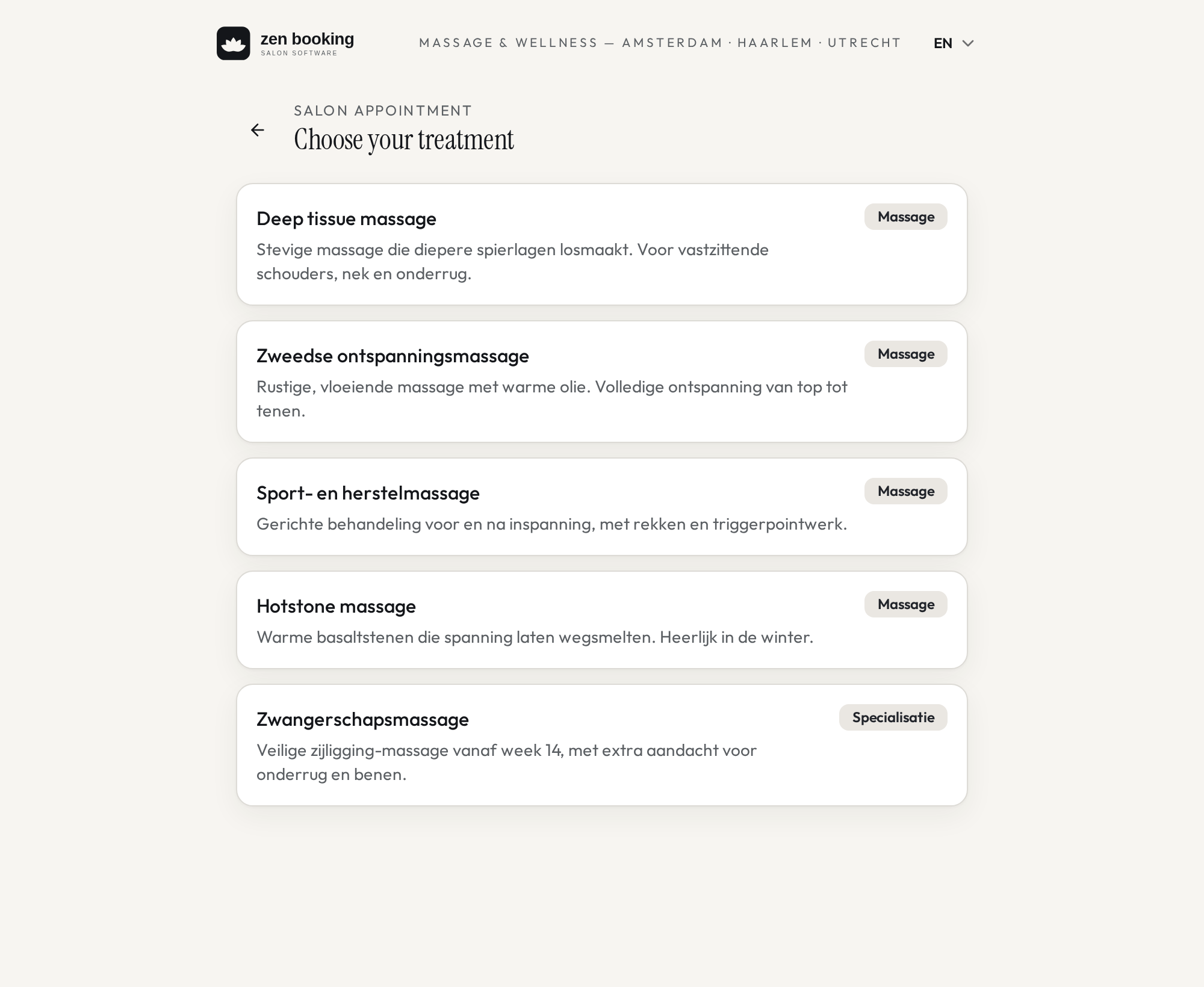
Email & notifications
The emails around an appointment, in your words.
You decide what customers receive, from which address, and who on your team gets which notification. You can also see what was really sent.
What you can set
Your own texts
Edit the messages for confirmations, cancellations and reminders. You can always go back to the default.
Sender and reply-to
Choose where customer replies arrive, or send from your own domain.
Notifications per mailbox
Decide which mailbox gets which notification, per location.
A copy for you
Get a copy of every message that goes to customers, if you like.
Sending log
See per message whether it was sent, delivered or bounced.
Blocked addresses
Addresses that bounce or complain stop getting mail automatically.
Discount codes
A discount code doesn't have to work for everyone and everything.
Make an offer for new customers on quiet Tuesdays, just for one treatment or location. Afterwards you see exactly what the code brought in.
What you can set
Type of discount
A percentage, a fixed amount or a free booking.
What it applies to
Certain treatments, locations or team members, and bookings at your location, at home or both.
Who can use it
Everyone, only new or returning customers, only the first booking, or a list of specific customers.
Limits
A maximum in total, per customer, per day or per month, and a minimum booking amount.
When
A start and end date, certain weekdays and certain times.
What it brought in
How often the code was used, by how many customers, how much discount you gave and the revenue that came with it. If a booking is cancelled, the code can become available again.
Emails to your customers
Don't send everyone the same email.
Pick customers who haven't been in for six months and send them an offer that's just for them. Afterwards you see who booked.
What you can set
Who you email
All customers who opted in, customers of a location or treatment, recent visitors, customers who haven't been in for a while, or individual customers.
Your own email
Subject, preview text, heading, text, image and button. In Dutch or English.
Add a discount code
Include a discount code. It's always checked again when someone books.
Check it first
Preview the email on desktop and mobile and send yourself a test.
Now or later
Send straight away or schedule a moment.
Results
Recipients, delivered emails, bookings, revenue and codes used. Unsubscribed and blocked addresses are skipped automatically.
Customers
Everything about a customer in one place.
See a customer's details and appointments together. Handy when someone calls, or when you want to know who your regulars are.
Details and notes
Name, email, phone and your own notes.
Appointment history
All past and upcoming appointments, with treatment, location and payment.
Key figures per customer
Number of appointments, last visit, average spend, cancellations and no-shows.
Search and add
Find a customer quickly or add one yourself.
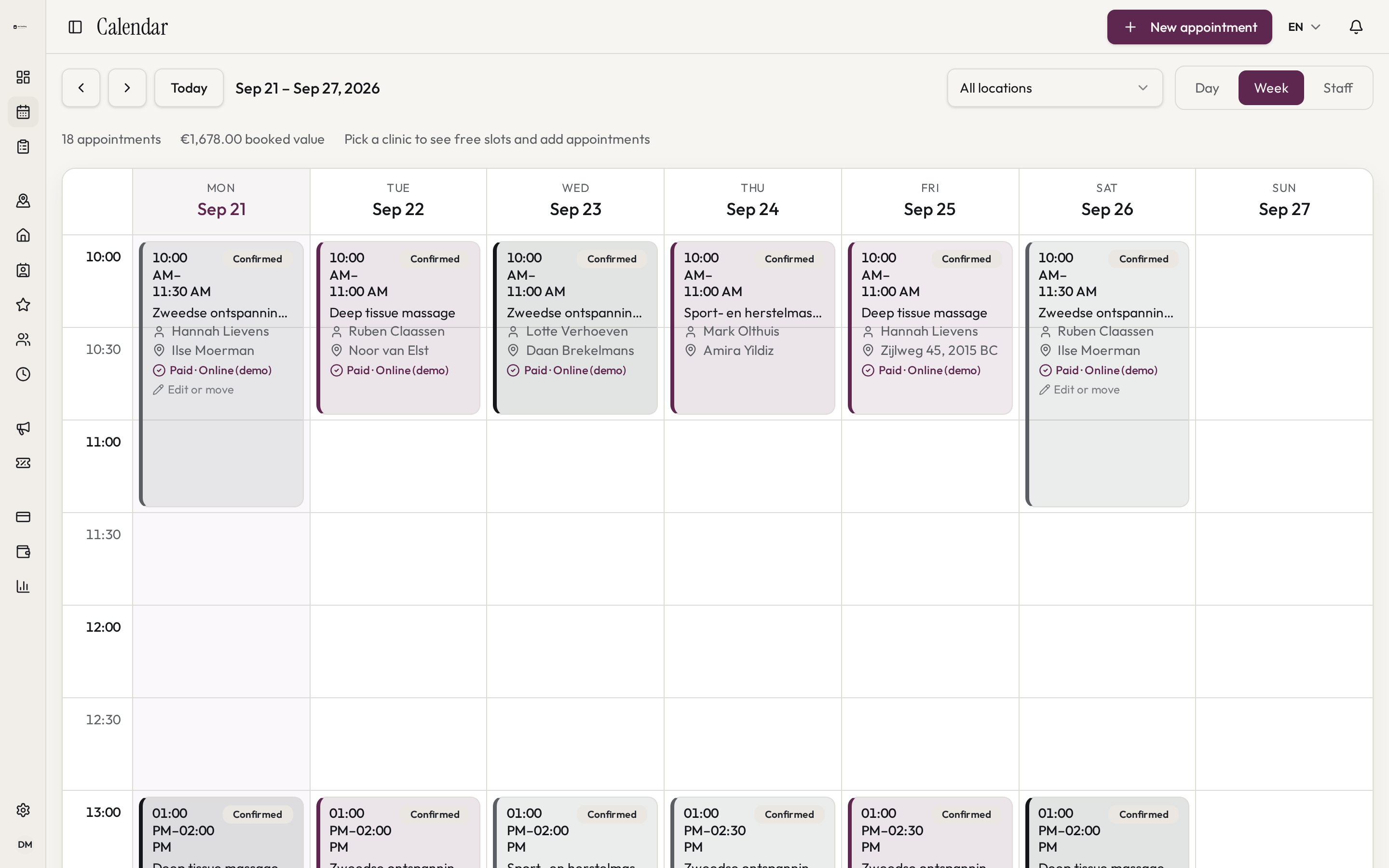
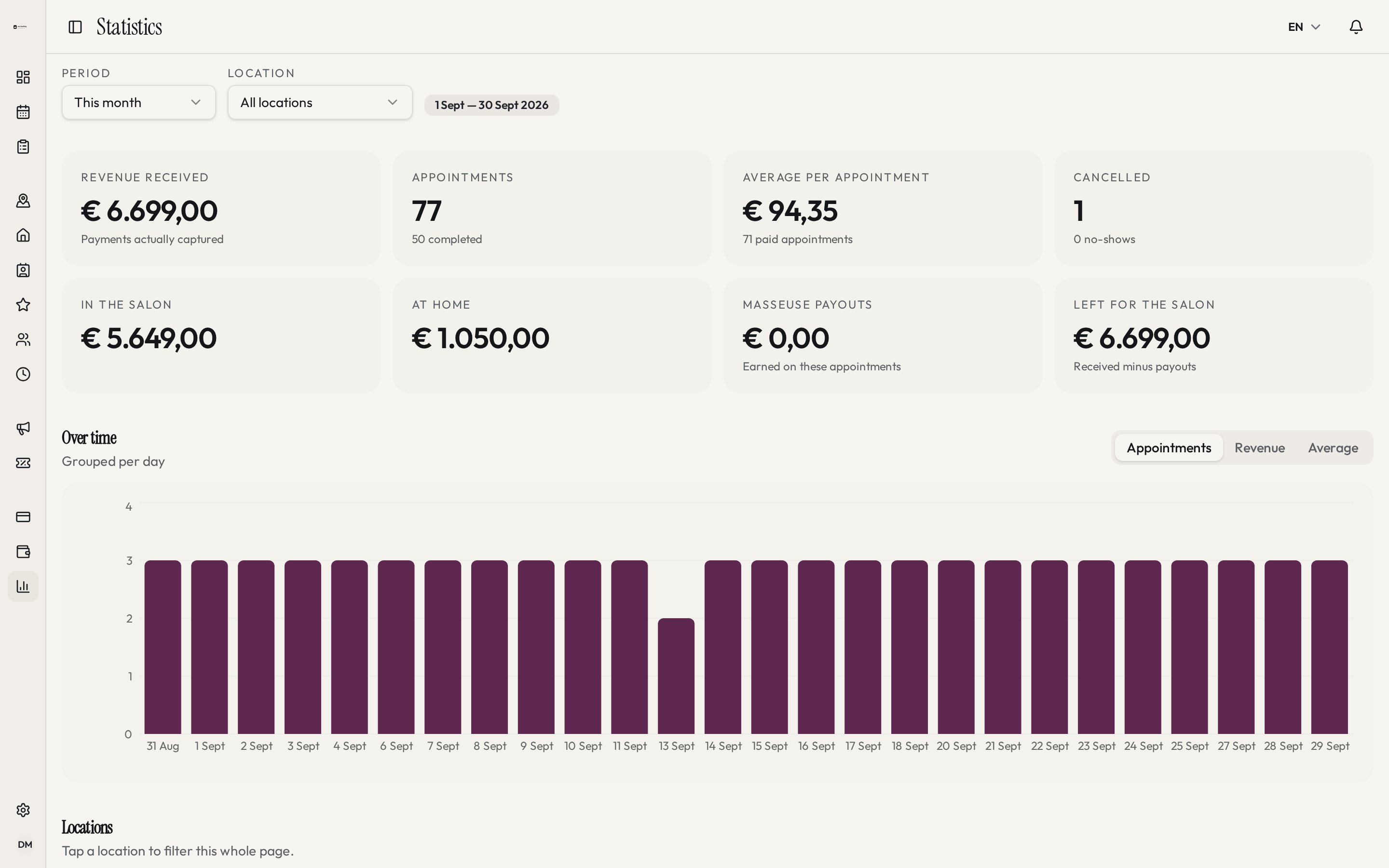
Statistics
See how it's going, without a spreadsheet.
Revenue, appointments and cancellations per period and per location. You also see which treatments are popular and when it's busy.
Revenue and appointments
Per day, week or month, for all locations or just one.
Average per appointment
See what an appointment brings in on average.
Busiest times
See which days and hours are busiest.
Popular treatments
See which treatments get booked most.
Reviews
Ask for reviews and choose what's public.
After an appointment customers can leave a review. New reviews start out private: you decide what to show.
Collect reviews
Customers rate their appointment afterwards.
Publish yourself
You choose which reviews go public.
Average rating
See the number of reviews and your average score.
Per team member
Public reviews appear on the team member's page.
Roles & settings
Everyone sees what they need.
Invite your team and give everyone the right role. Set your language, time zone and what you call your team, too.
Roles
Admins run the business, team members see their own calendar.
Custom access
Give admins full or limited access to settings.
Invites
Invite new team members with a link by email.
Language and naming
Dutch or English, your own time zone and your own word for your team, like staff member or therapist.
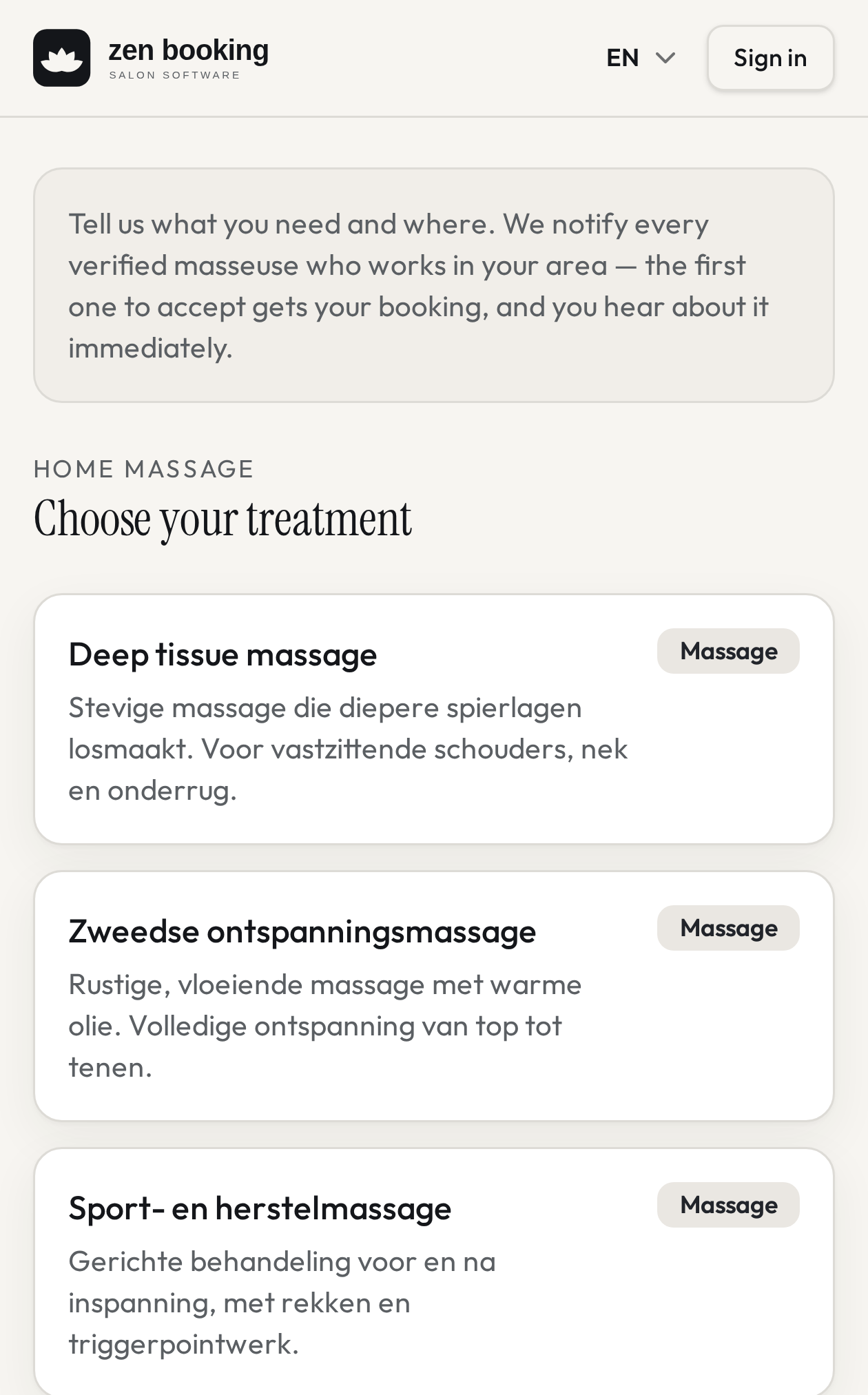
At your customers' place
Also work at customers' homes? It fits the same plan.
Not everyone needs this. If you do, you manage those appointments next to the ones at your own location.
Your own area
Set how far you travel, measured from your starting point.
Your own treatments
Choose which treatments you offer at home, with their own length and price.
Travel time
Allow for the time you need to get there.
Request or direct
A request goes to your team and becomes an appointment once someone accepts it.
Multiple locations? Keep it simple.
Run your whole business from one workspace and give every location access to only what it needs. Owner: full overview. Location manager: own locations only. Staff: own appointments only.
See it for yourself.
In a short demo we show you how it works for your business.